
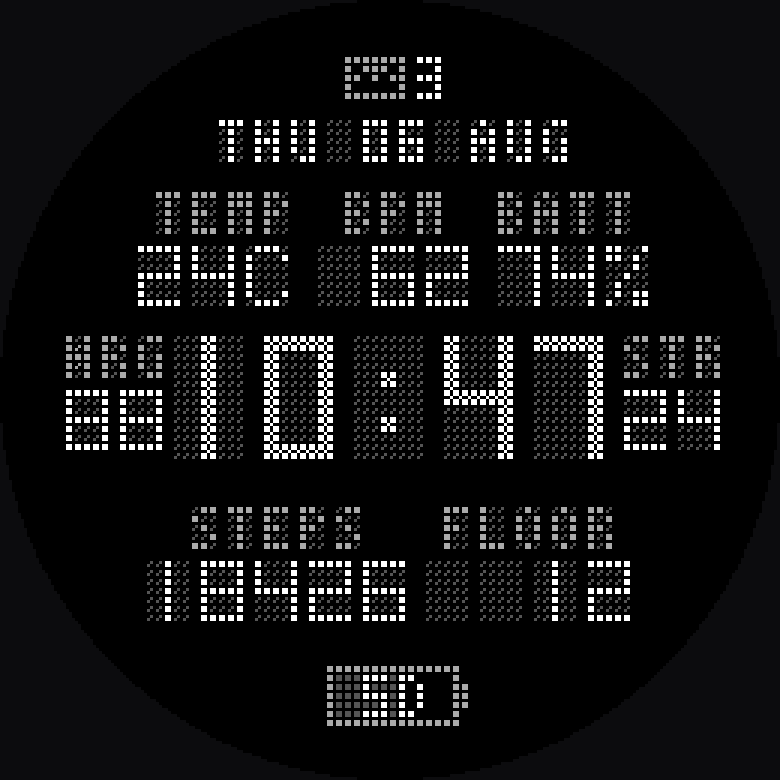
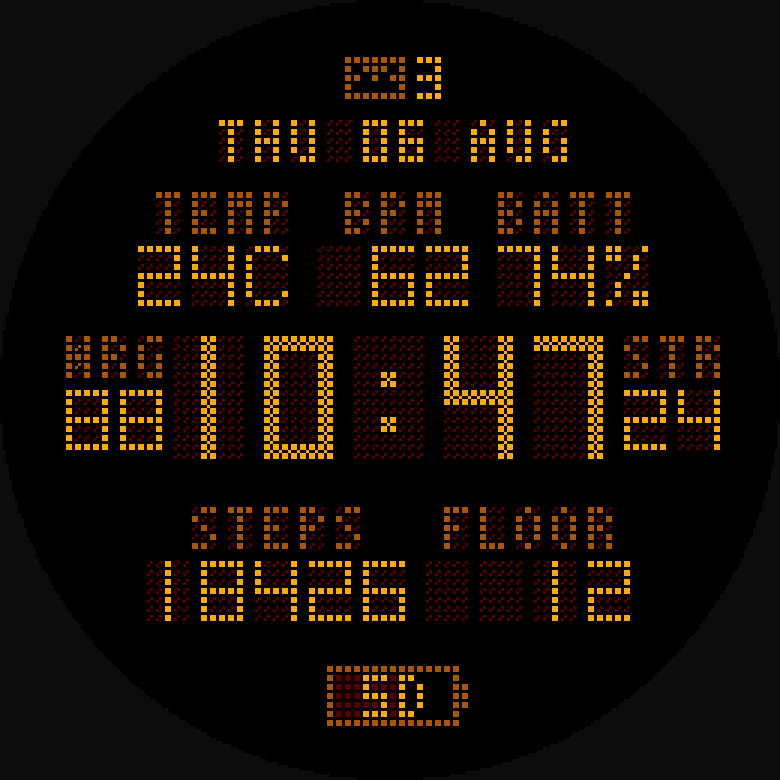
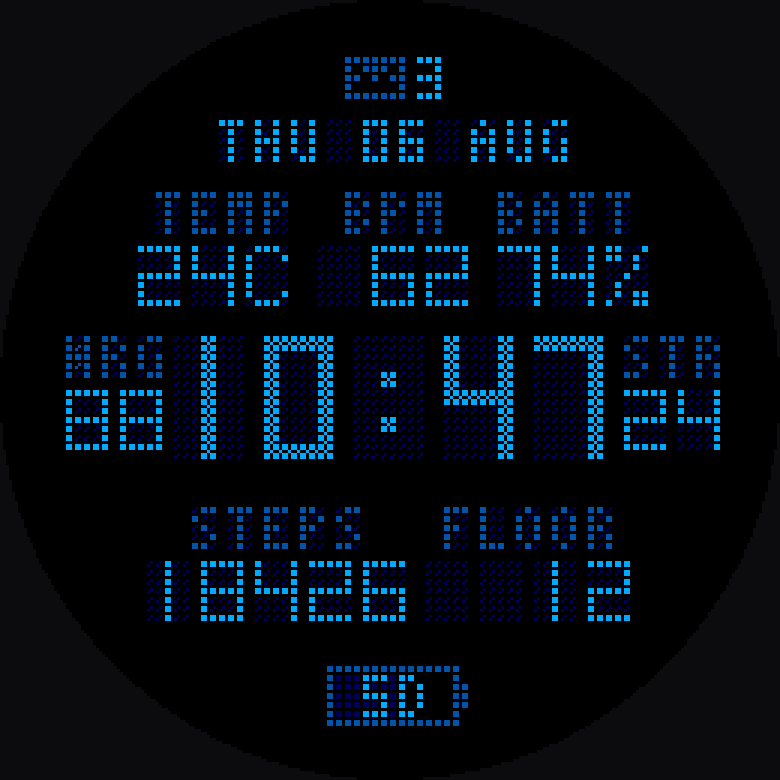
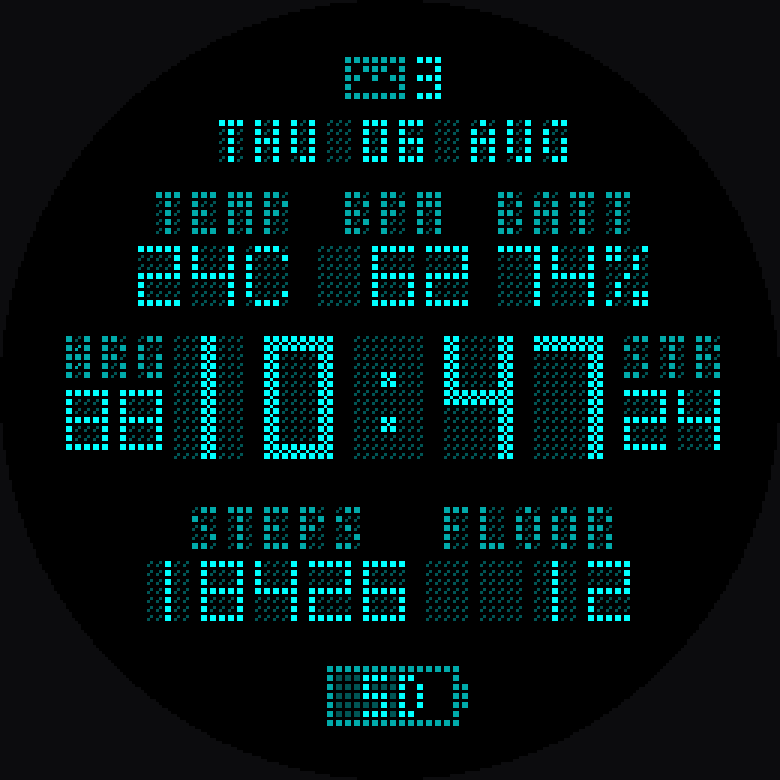
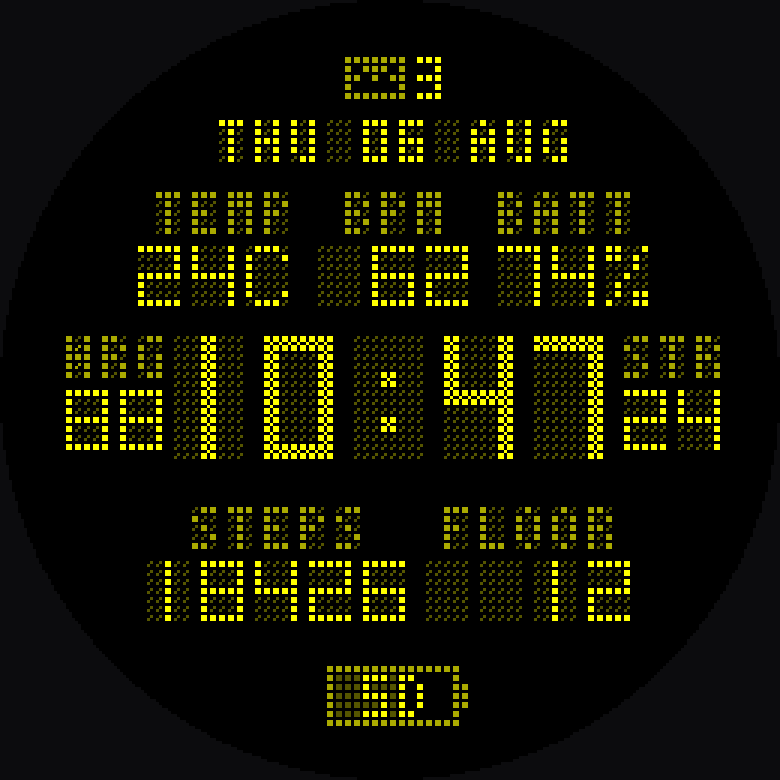
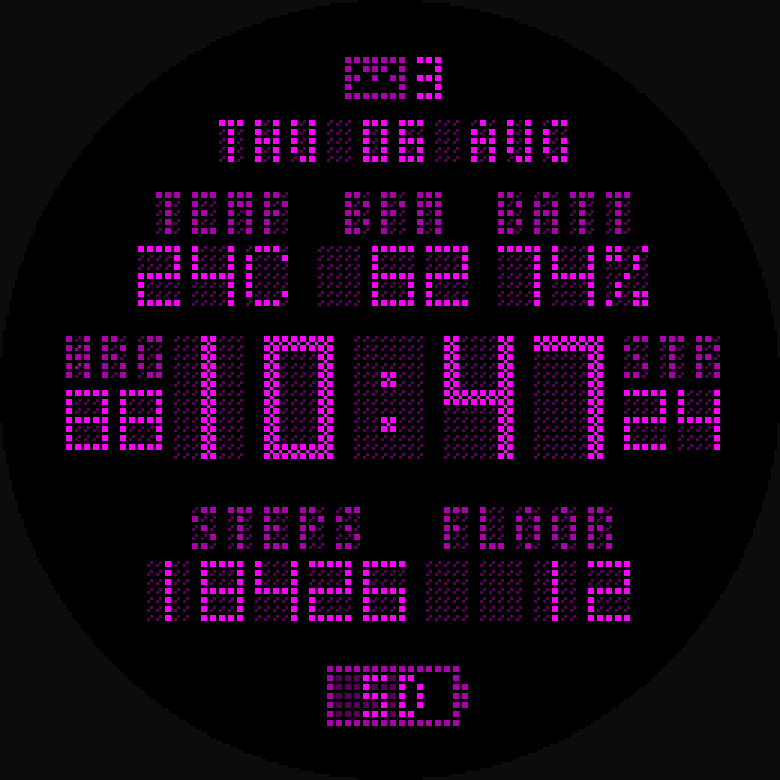
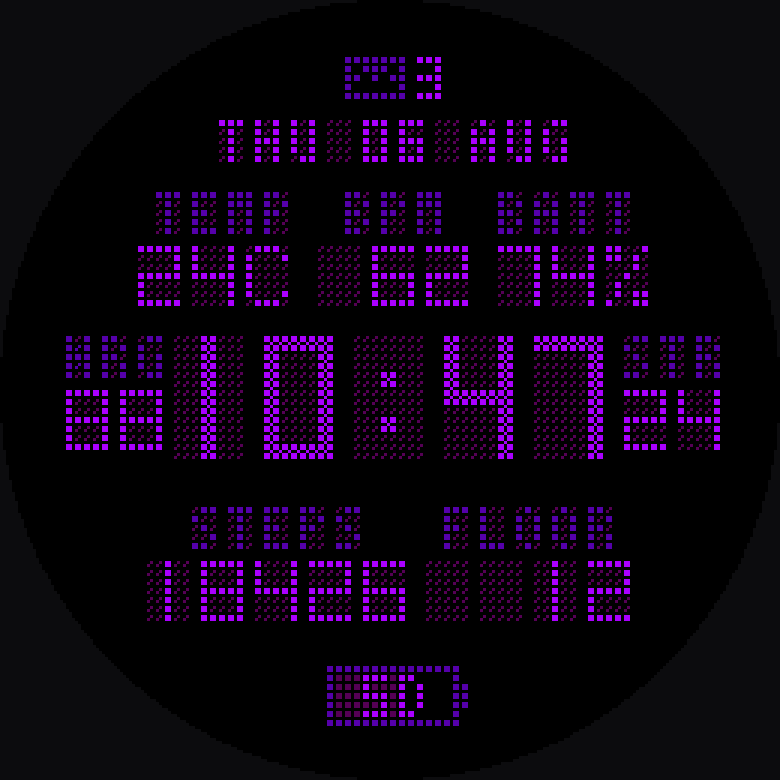
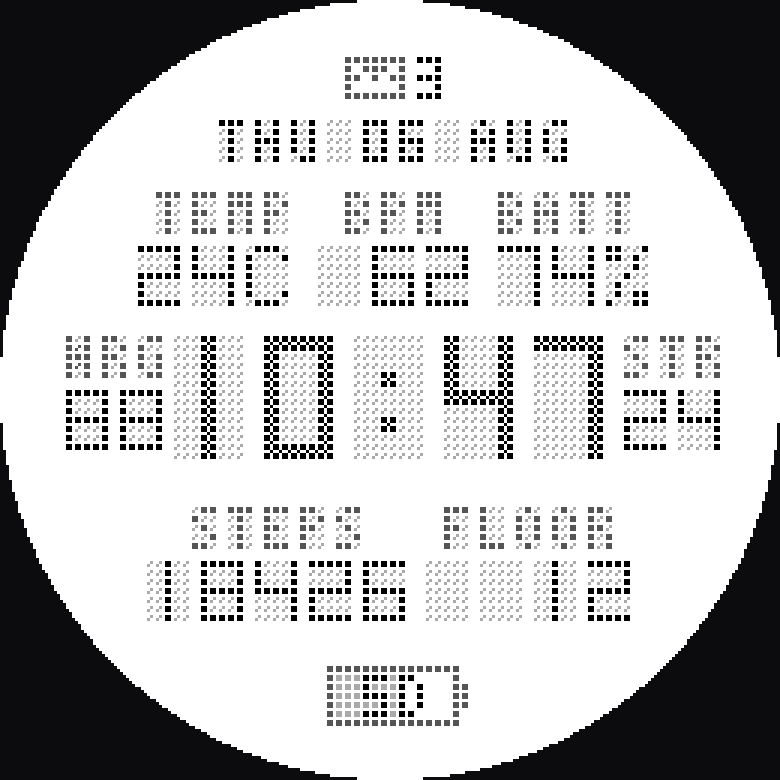
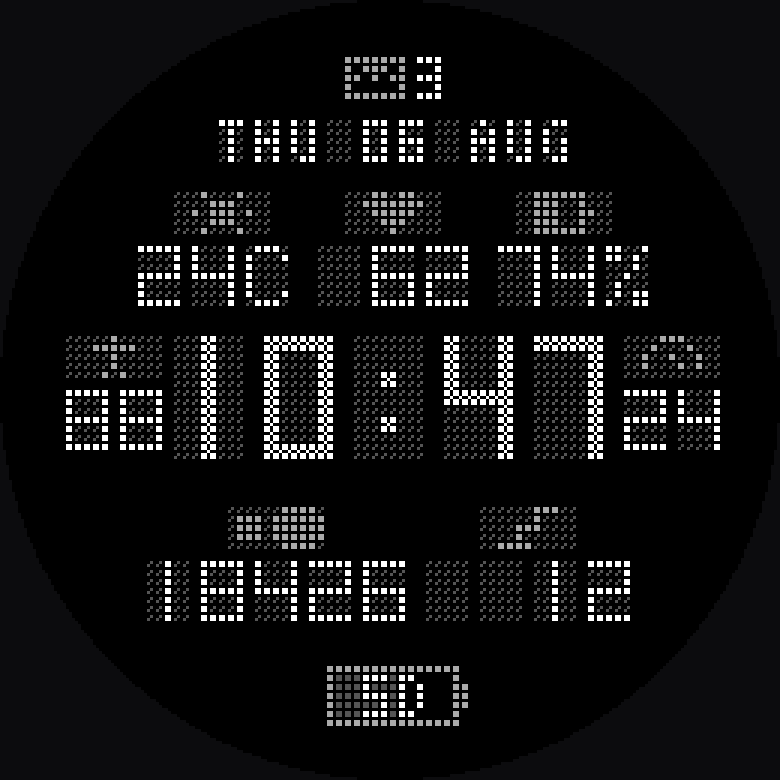
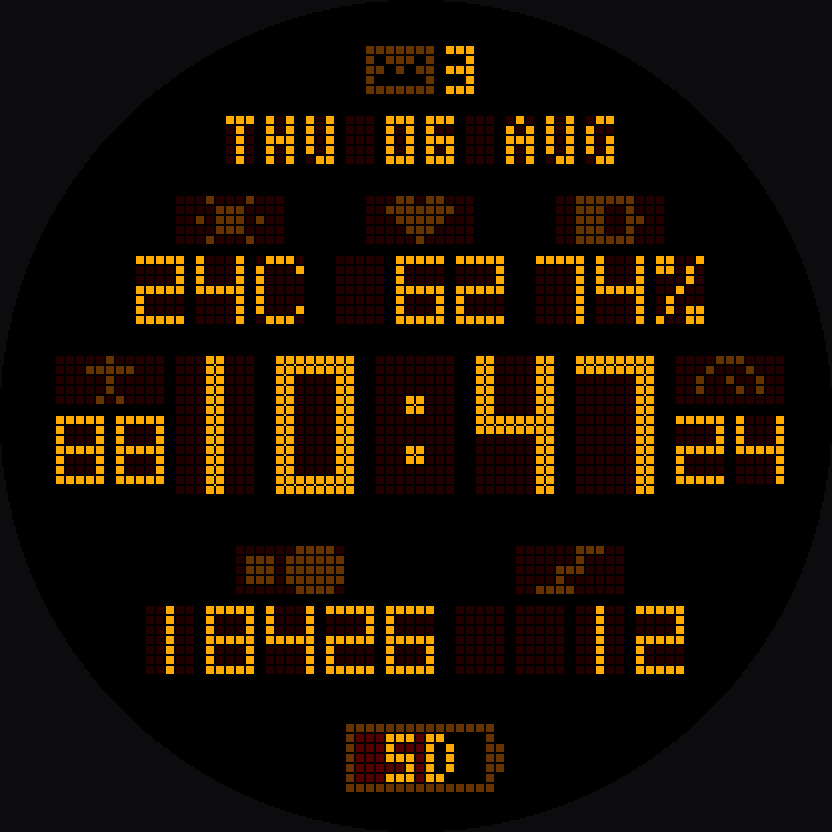
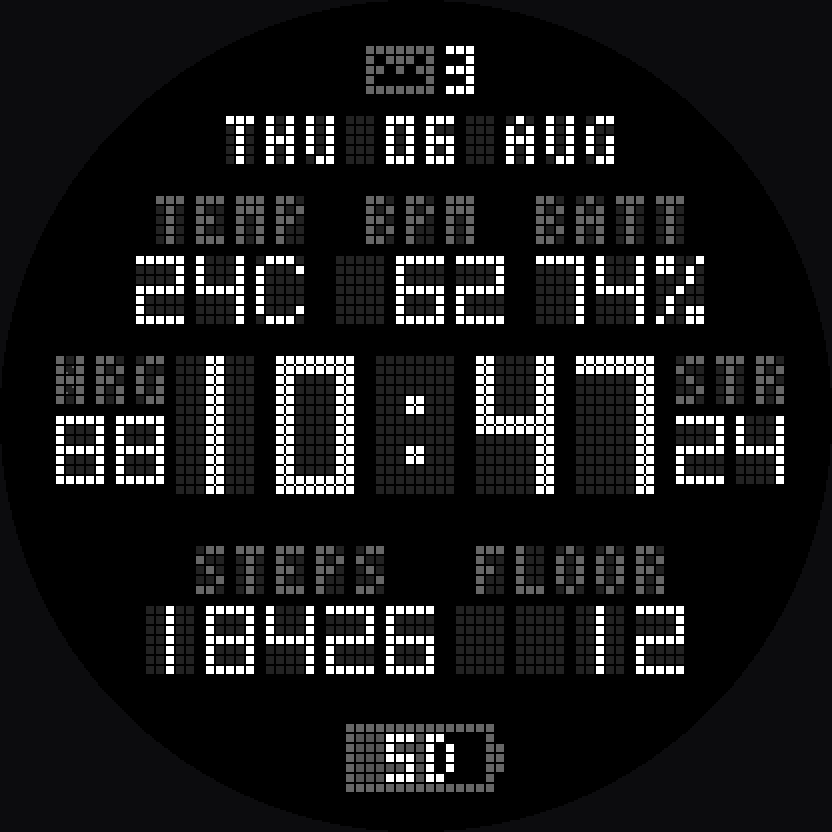
Every character sits on a 76×76 lattice of identical square dots —
the same way a memory-in-pixel panel actually works. No anti-aliasing, no
borrowed typeface, no gradients. Just lit and unlit cells.
The arrangement is fixed — where things sit, how big they
are, what lines up with what. That part is not yours to move, because a
face you can drag around is a face nobody bothers to lay out well. What
goes in each position is yours: twenty-eight readings, and each
position offers the ones that actually fit it.
Top row
Temperature, heart rate and battery. Each value carries its own unit
in the last place — 24C, 74% — so the label above says what the field
is rather than repeating the unit.
Flanks
Body energy and stress, either side of the clock. Three characters is
all the clock leaves them, which is exactly why they can also draw as
pictograms.
Bottom row
Steps and floors climbed, in fixed-width fields. Every place shows its
unlit cells whether or not a digit is lit there, so the numbers never
shift as they grow.
Badges
Notification count at the top, battery days at the foot — the second
filled like a gauge, so charge reads at a glance before you read the
number.
Held while dimmed
When the watch sleeps the metrics freeze and only the clock moves. A
heart rate that wanders on a screen nobody is looking at costs battery
and reads as noise.
Burn-in safe
On AMOLED the face shifts by a cell each minute and drops to a dimmed
palette in low power, which is what Garmin requires and what keeps the
panel honest.
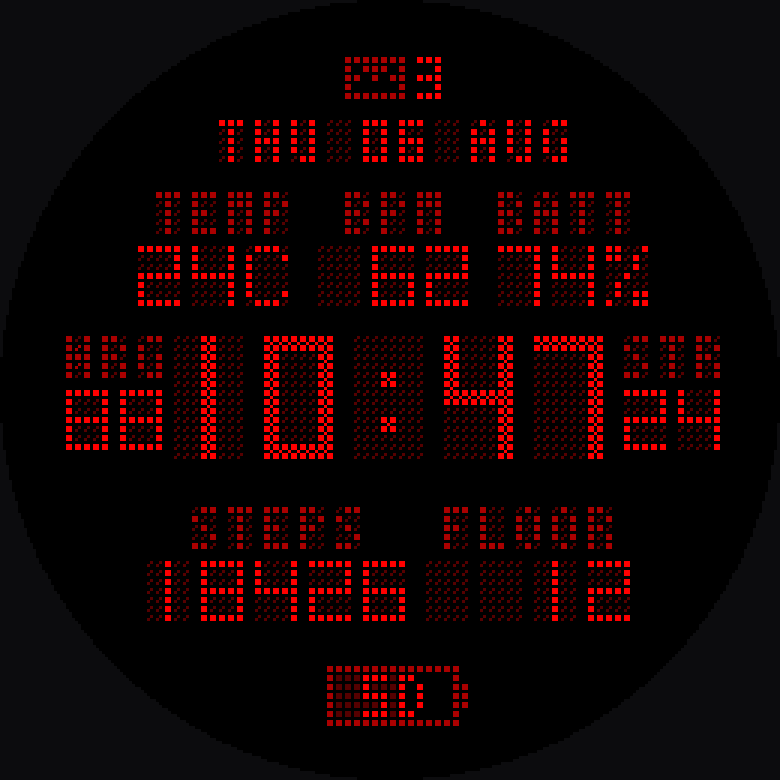
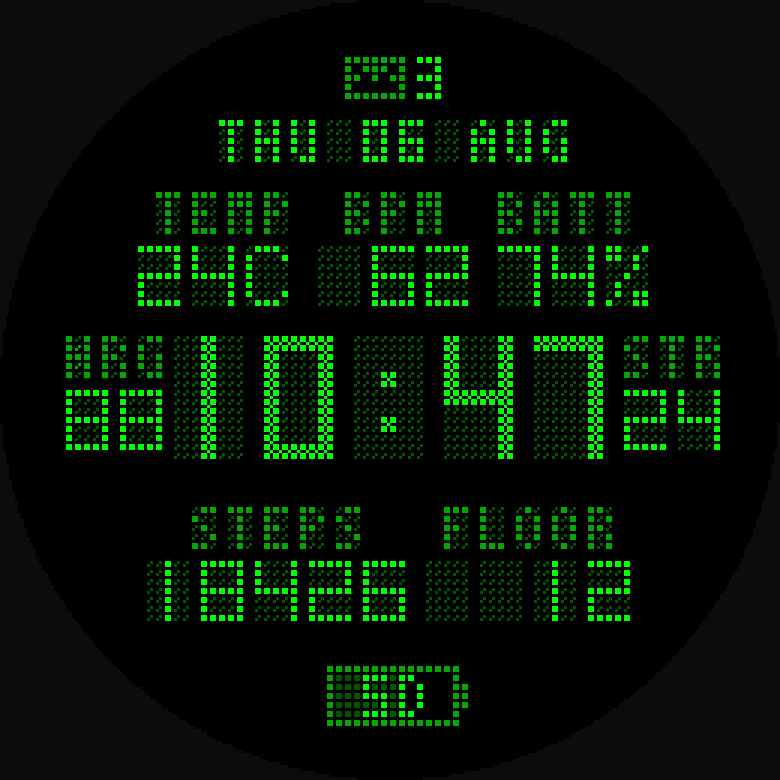
Ten themes, every colour real
A memory-in-pixel panel uses two bits per channel, so red, green and blue
can only be 00, 55, AA or FF — sixty-four colours in total, and anything
else gets snapped by the hardware. Every value in every theme is one of the
sixty-four.
These are the colours the watch draws, not an impression of them. A
reflective fēnix has no backlight, so in a room it reads dimmer than
any screenshot can show; an AMOLED one looks like this.
Mono
Red
Green
Amber
Blue
Cyan
Yellow
Magenta
Violet
Paper
Words or pictograms
Each metric can name itself in letters or in a mark drawn on the same block
of cells — a sun, a heart, a battery, a figure, a dial, a sole, a stair
profile. Nothing on the face moves when you switch; only the ink changes.
Abbreviations
Pictograms
Amber · pictograms
What every label means
The face has room for three or four letters, so each reading names itself
with an abbreviation. Every one the watch can print is listed here - and
with the slot pickers unlocked, any of them can be put on the face.
Pictograms
Seven readings can label themselves with a mark instead of letters, drawn
on the same block of cells the letters would use. These are the marks, at
the size the watch draws them.
TEMPTemperature
BPMHeart rate
BATTWatch battery
NRGBody Battery
STRStress
STEPSSteps
FLOORFloors climbed
Abbreviations
Each position offers only the readings that fit it, so a value is never
cut short: the two beside the clock hold two characters, the top row
three, and the bottom row four and five.
Label
Reading
ACT
Intensity minutes today
AWK
Intensity minutes this week
BATT
Watch battery remaining, per cent
BPM
Heart rate, beats per minute
C
Degrees Celsius, appended to a temperature
DAY
Estimated days of battery left
DSC
Floors descended today
F
Degrees Fahrenheit, appended to a temperature
FLOOR
Floors climbed today
FT
Altitude, feet
GOL
Step goal, as a percentage reached
HPA
Barometric pressure, hectopascals
KCAL
Calories burned today
KM
Distance today, kilometres
KMH
Wind speed, kilometres per hour
M
Altitude, metres
MI
Distance today, miles
MOV
Move bar level, 0 to 5
MPH
Wind speed, miles per hour
NRG
Body Battery, Garmin's energy estimate, 0 to 100
PRC
Chance of precipitation, per cent
RHR
Resting heart rate
RSP
Respiration rate, breaths per minute
SOL
Solar intensity, on solar models
SPO
Pulse Ox, blood oxygen saturation
STEPS
Steps taken today
STR
Stress score, 0 to 100
TEMP
Outside temperature, from your phone's forecast
WK
ISO week number
Weather codes
The weather field prints a condition as a four-letter code, so it fits
without truncating.
Code
Condition
CLDY
Cloudy
CLR
Clear
DRIZ
Drizzle
DUST
Dust
FOG
Fog
HAIL
Hail
HAZE
Haze
HRAN
Heavy rain
HSNW
Heavy snow
LRAN
Light rain
LSNW
Light snow
MCLD
Mostly cloudy
MIST
Mist
PCLD
Partly cloudy
RAIN
Rain
SLET
Sleet
SNOW
Snow
STRM
Thunderstorms
TORN
Tornado
WIND
Windy
Two kinds of screen, drawn two ways
A memory-in-pixel fēnix cannot show a grey darker than one particular
value, so there the unlit lattice is drawn at half coverage — the
only lever left to make it quieter. An AMOLED fēnix has the whole
range, so its unlit cell keeps full size and sits closer to the
background instead. Same layout, same glyphs, two different panels.
Memory-in-pixel · fenix 7 family
AMOLED · fenix 8 family
Labels in any colour
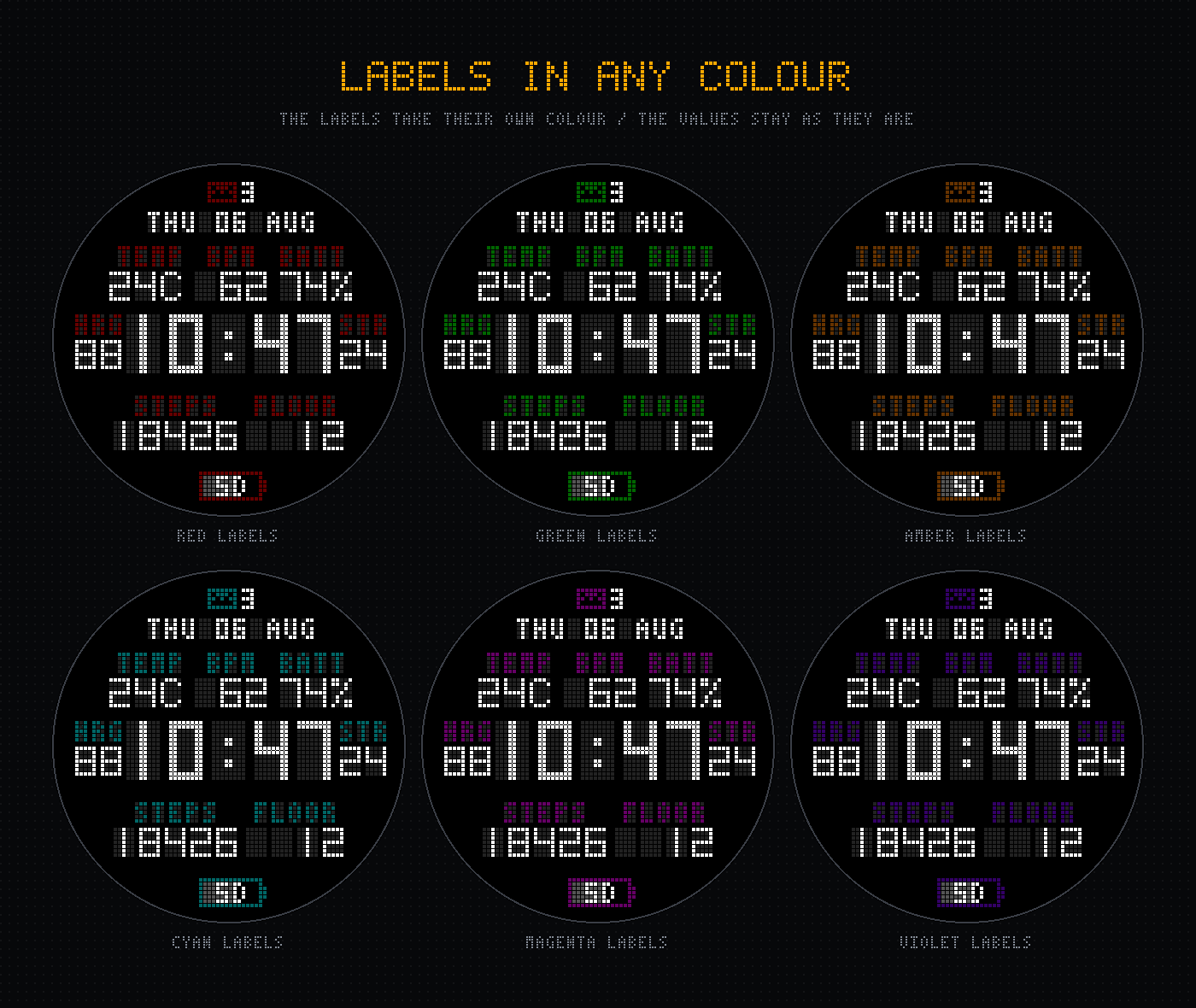
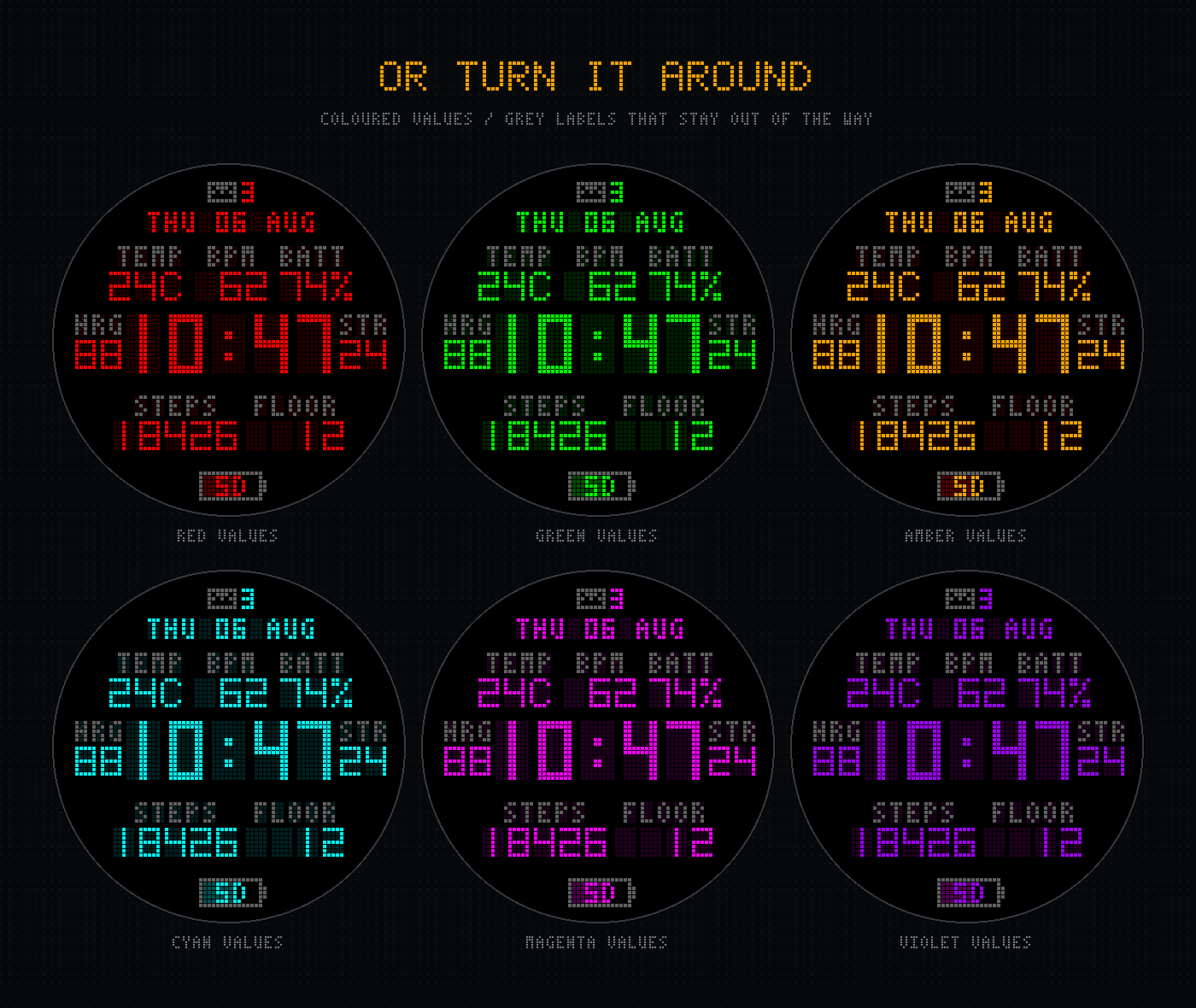
The labels take their own colour, separately from the values they name.
White readings with amber labels, or the other way round — coloured
readings with grey labels that stay out of the way. Nine hues, and the
labels sit back from the values so they name a reading without competing
with it.
Coloured labels
Or turned around
Free to use. Pay to change how it looks.
The face is complete without paying — every reading, every badge, the whole
layout. What an unlock buys is the pickers.
There is no account and no login. The code is checked on the watch itself,
so nothing about you is sent anywhere.
Install the faceFree from the Connect IQ Store. Use it as long as you like before
deciding.
Buy a codeCheckout takes a minute. The code arrives by email.
Paste it into the settingsGarmin Connect → your watch → Watch Faces → Dot LED → Unlock code.
The pickers turn on immediately.
Supported watches
Built for both panel types: memory-in-pixel on the fēnix 7 family, AMOLED on
the fēnix 8.
fēnix 7fēnix 7Sfēnix 7Xfēnix 7 Profēnix 7S Profēnix 7X Profēnix 8 43mmfēnix 8 47mmfēnix 8 Solar 47mmfēnix 8 Solar 51mmfēnix 8 Pro 47mm
Questions
Do I have to pay to use the watch face?
No. Every reading, badge and layout detail works without paying, in the
Mono theme with lettered labels. Paying turns on the colour themes and
the pictogram labels — nothing else changes.
Does one code work on more than one watch?
Yes. The code is checked on the watch and is not tied to a device or an
account, so if you own two Garmins one code covers both.
Is a subscription involved?
No. One payment, and the code keeps working. There is nothing to cancel
and nothing that expires.
Where do I enter the code?
In the Garmin Connect app: your device → Watch Faces → Dot LED → Settings.
The unlock field is at the bottom. Codes are not case sensitive and the
dashes are optional.
What data does it collect?
None. The face has no internet permission at all — it cannot send
anything anywhere, and the unlock check happens entirely on the watch.
See the privacy policy.